Paddleheads
How to create the template on mobile.
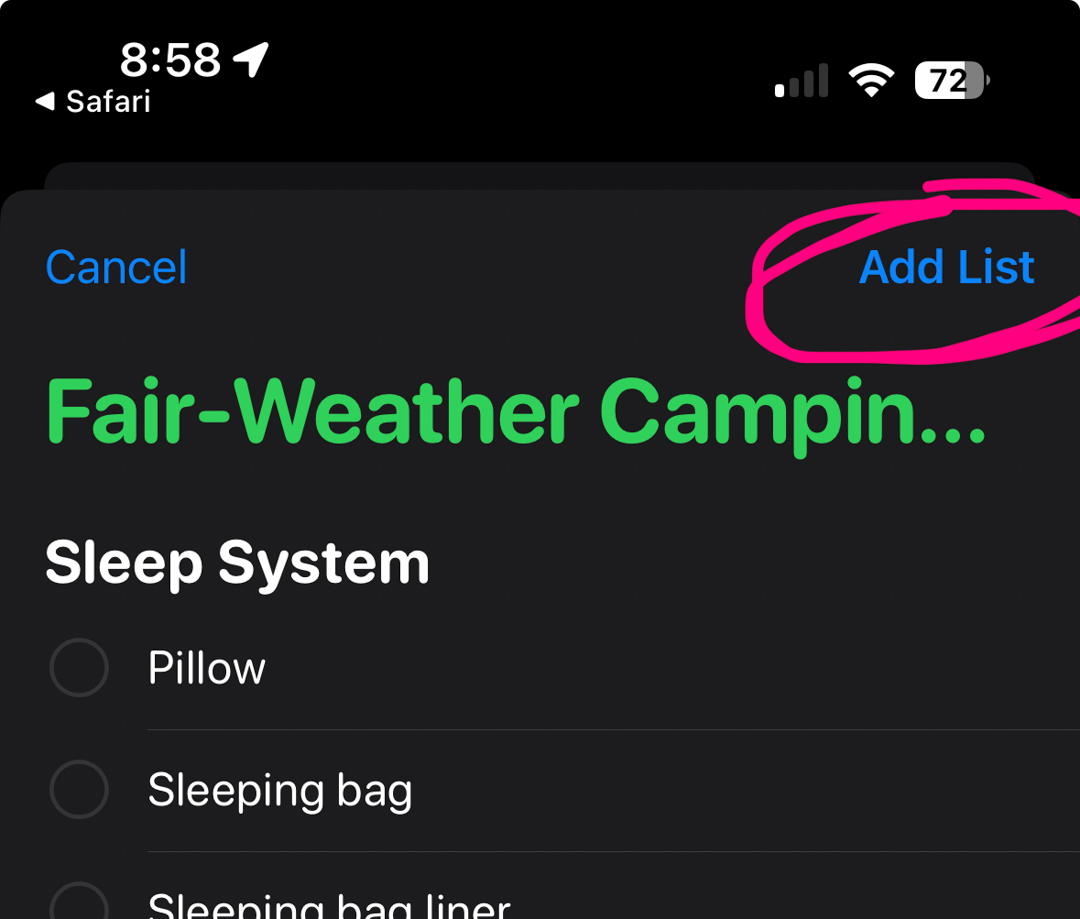
- Step 1. After clicking the link above and allowing the Reminders App to open, click 'Add List
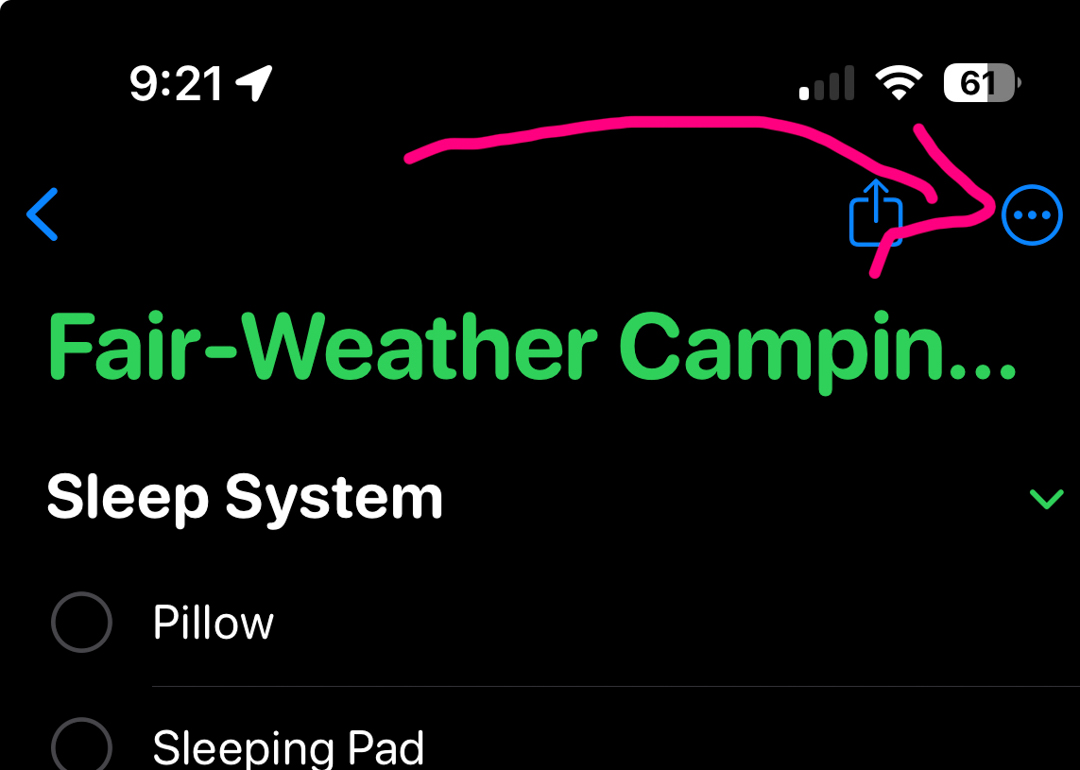
- Step 2. Open the list and click the options button.
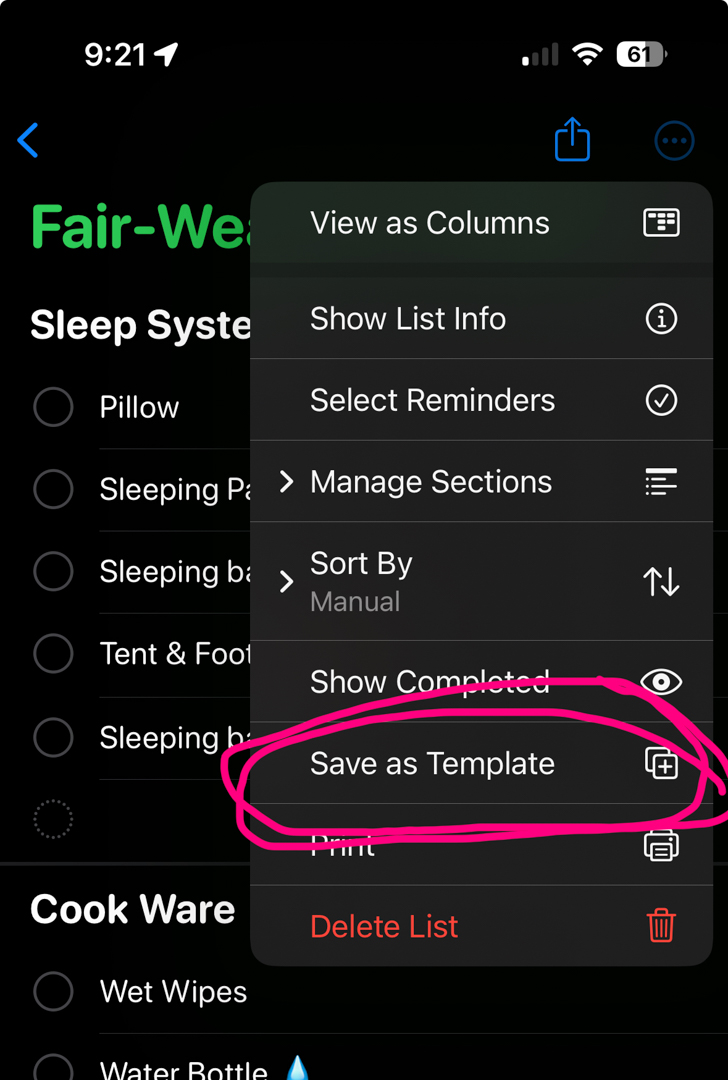
- Step 3. Click 'Save as Template
How to create a new list with a template.
- Step 1. Click 'Add list'.
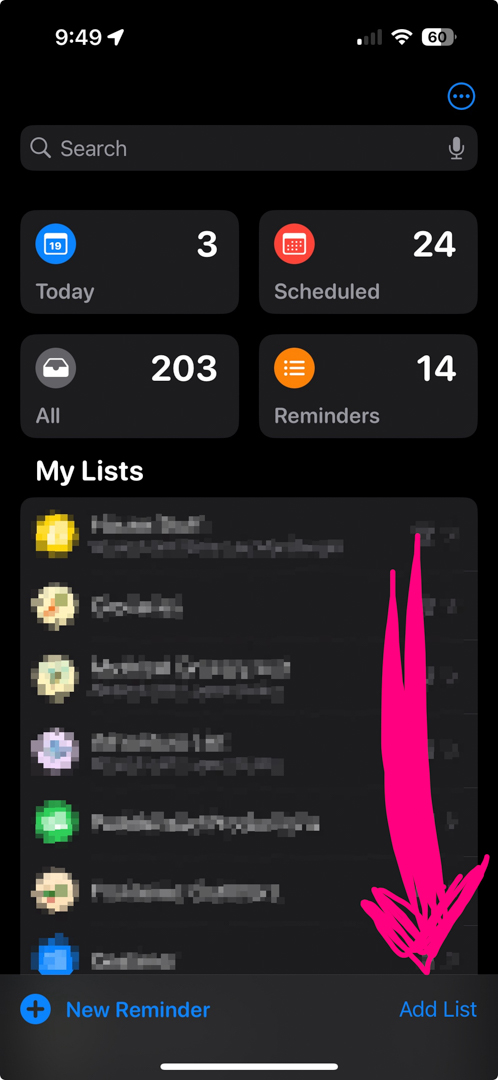
- Step 2. Click 'Templates.'
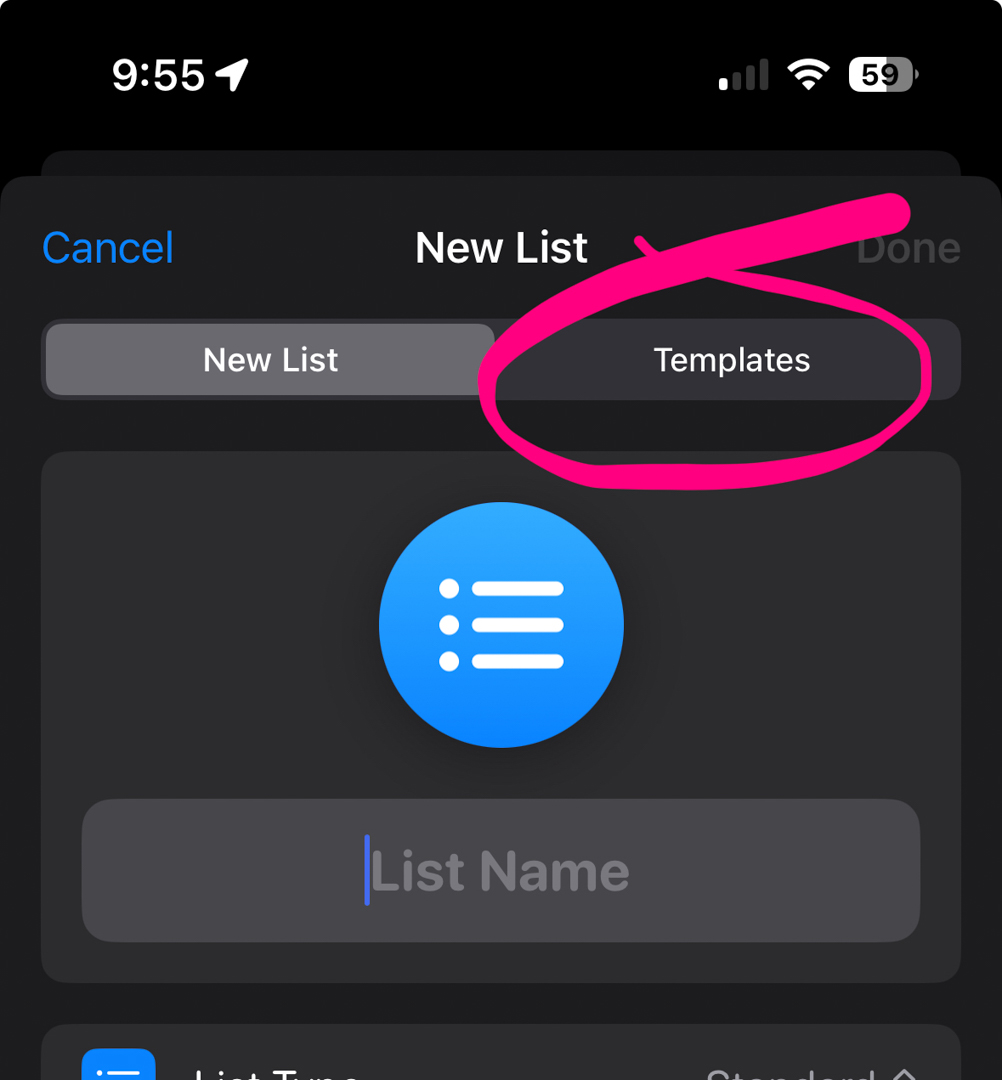
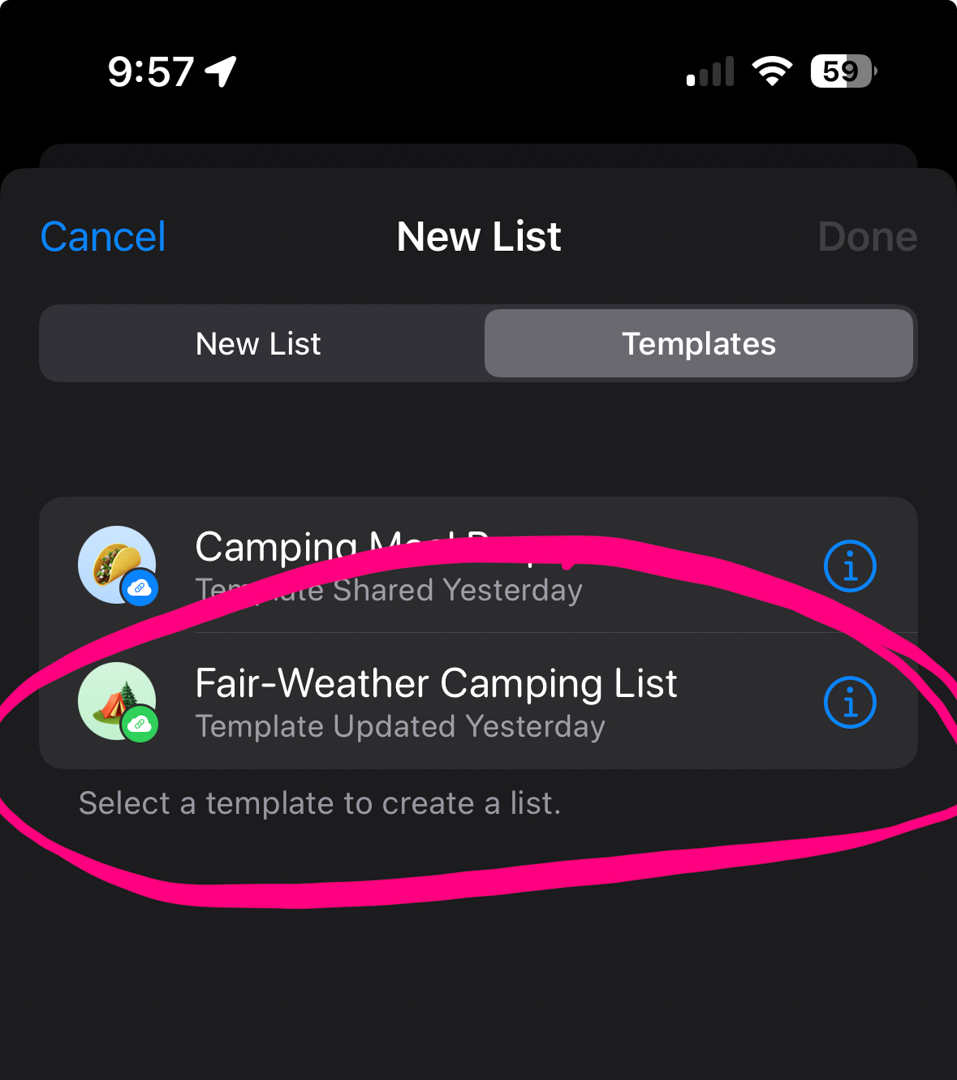
- Step 3. Click on the saved template.
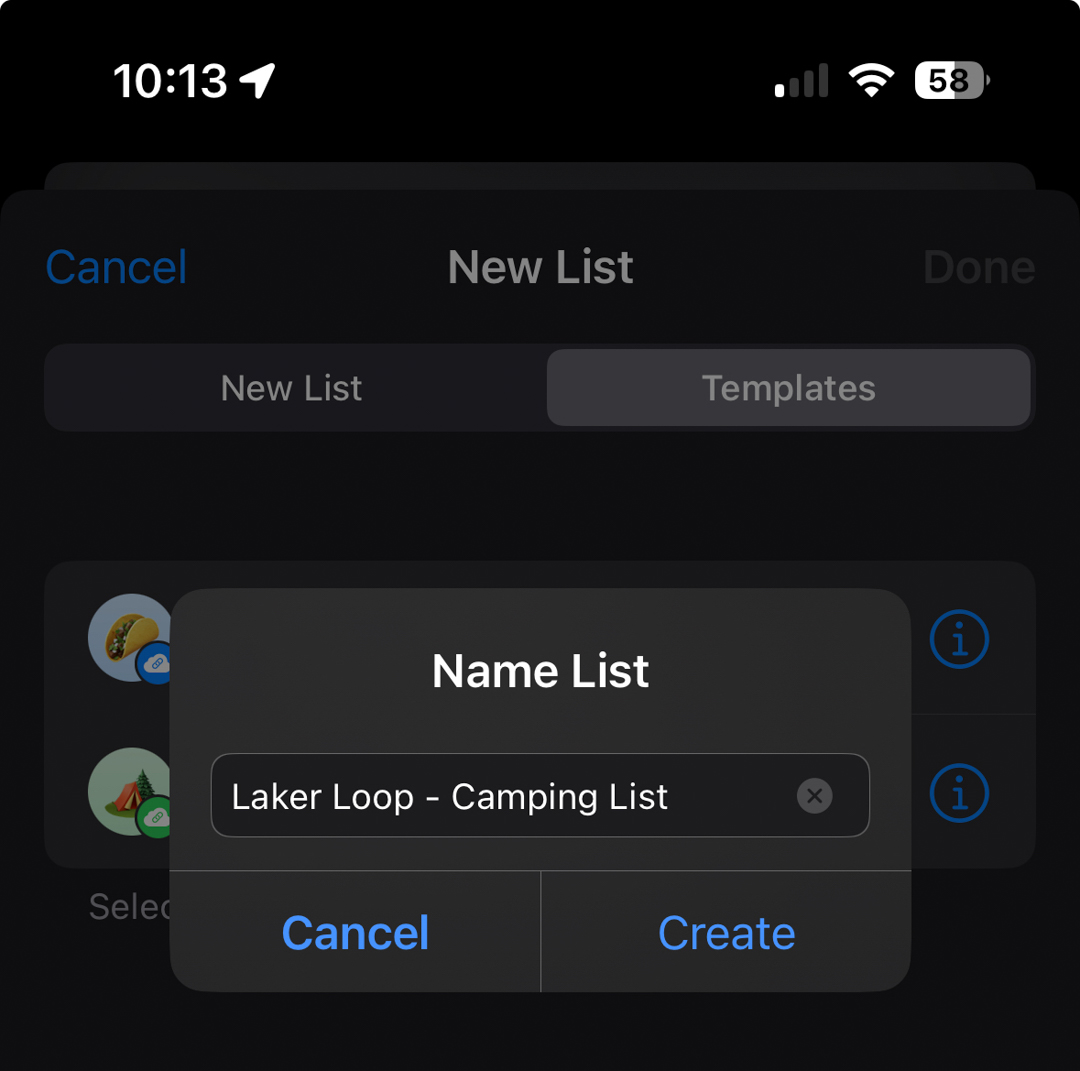
- Step 4. Title your checklist.
How to create the template on desktop.
- Step 1. Click the options button.
- Step 2. Click 'Save as Template
How to create a new list with a template.
- Step 1. Click 'Add list'.
- Step 2. Click 'Templates.'
- Step 3. Click on the saved template.
- Step 4. Title your checklist.